7 Island Browser Problems IT Teams Are Reporting
Introduction
When evaluating dedicated enterprise browsers, vendor demos always look spotless. Policies apply cleanly, data exfiltration stops at the door, and end users seamlessly adopt a brand-new workspace.
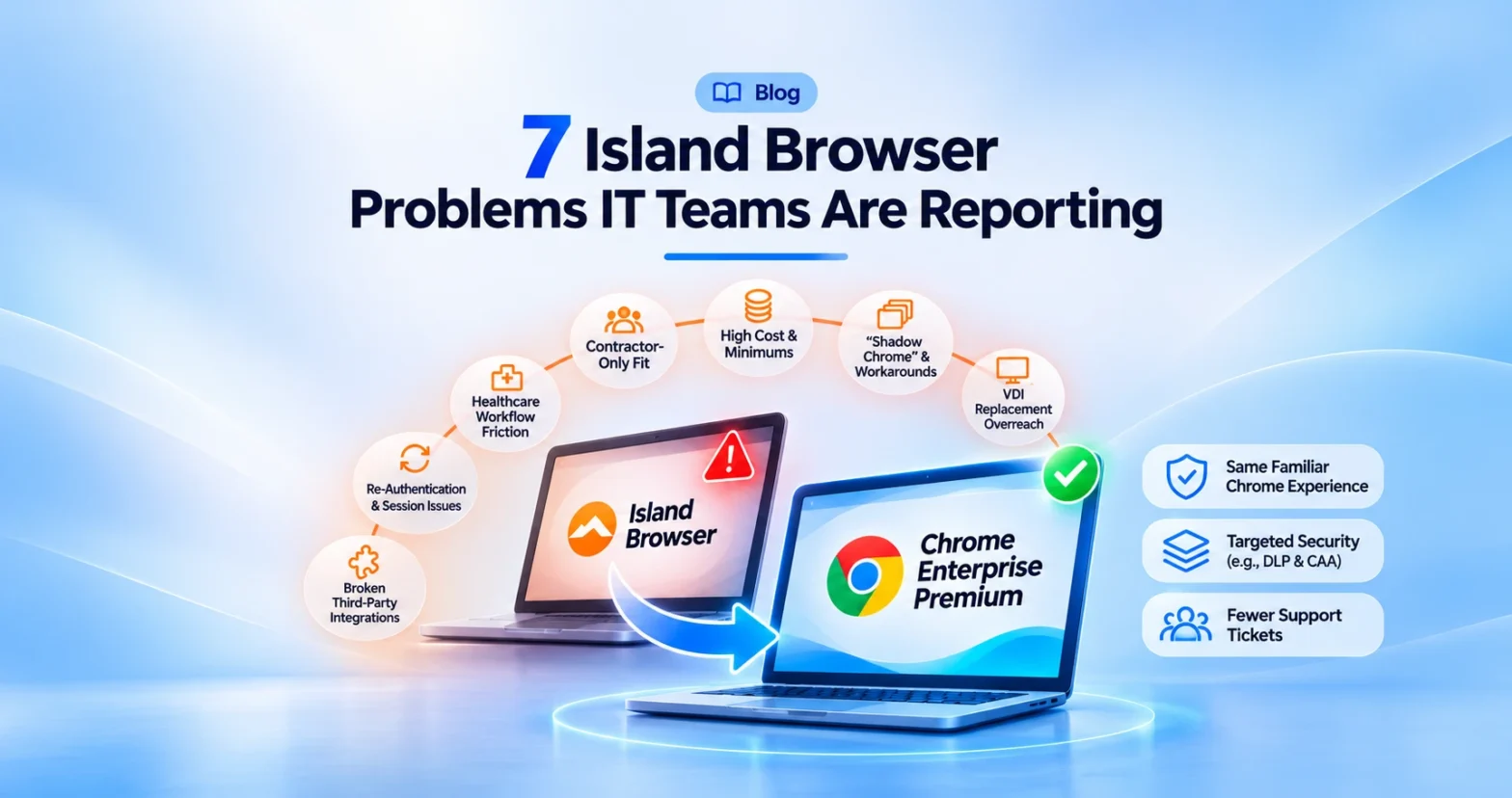
But when you look past marketing slides to see what IT administrators, security engineers, and end users running Island Browser are actually saying in public forums, G2 reviews, and vendor communities, a more complicated picture emerges. While Island solves specific edge-case security requirements, rolling it out as an organization-wide replacement for Google Chrome frequently introduces operational friction, unexpected costs, and user workarounds.
1. The “Shadow Chrome” Effect and Deployment Regret
Forcing an entire organization to abandon the browser they already know rarely goes smoothly. One of the most common complaints shared by sysadmins on Reddit describes what happens 12 to 18 months into an enterprise-wide rollout: internal web apps fail to render properly, so employees quietly open standard Chrome on the side to get their work done.
Once employees revert to an unmanaged browser on the side, the security team is paying for a locked-down browser where the actual work isn’t even happening, while every browser update triggers a fresh wave of helpdesk tickets. When you use Chrome Enterprise Premium (CEP), there is no second browser to bypass because users stay inside the exact Chrome installation every internal app was already tested against.
2. Pricing Disproportion and Quote-Gated Minimums
Enterprise security budgets are under heavy scrutiny, and Island’s pricing structure is a frequent flashpoint in IT communities. Island does not publish transparent list pricing, and publicly reported figures including AWS Marketplace listings and UK reseller schedules, point to minimum annual commitments starting around $250,000 per year (plus per-user licensing).
For mid-market and enterprise teams alike, spending a quarter-million dollars before deployment overhead feels disproportionate when Chrome Enterprise Core is free and Chrome Enterprise Premium lists transparently at $6 per user per month.
3. VDI-Replacement Overreach
Many organizations initially look at Island hoping to eliminate expensive Citrix or VMware VDI environments. While Island’s documentation confirms it natively supports RDP, Citrix, and published-app streaming, contrary to occasional forum rumors claiming it has no virtualization support at all, sysadmins frequently push back against marketing that frames any secure browser as a full drop-in replacement for heavy VDI workloads.
If your teams rely on resource-intensive desktop applications like massive Excel macros or specialized engineering software, a browser alone won’t replace virtualized desktops. A more realistic architecture pairs Chrome Enterprise Premium for everyday SaaS and web security with ChromeOS or Cameyo for true VDI-class workloads.
4. The “Contractor Browser” Reality
Even among large enterprises listed as reference customers, security practitioners note that Island is often deployed to a small fraction of total headcount, such as 50 or 500 licenses for remote contractors and unmanaged BYOD users rather than across 100,000 full-time employees.
Deploying an isolated, secondary browser works well for short-term third-party contractors who lack corporate-managed laptops. Across a full-time workforce, however, copy/paste restrictions, local file friction, and extra authentication steps create daily productivity drag.
5. Healthcare and Clinical Workflow Friction
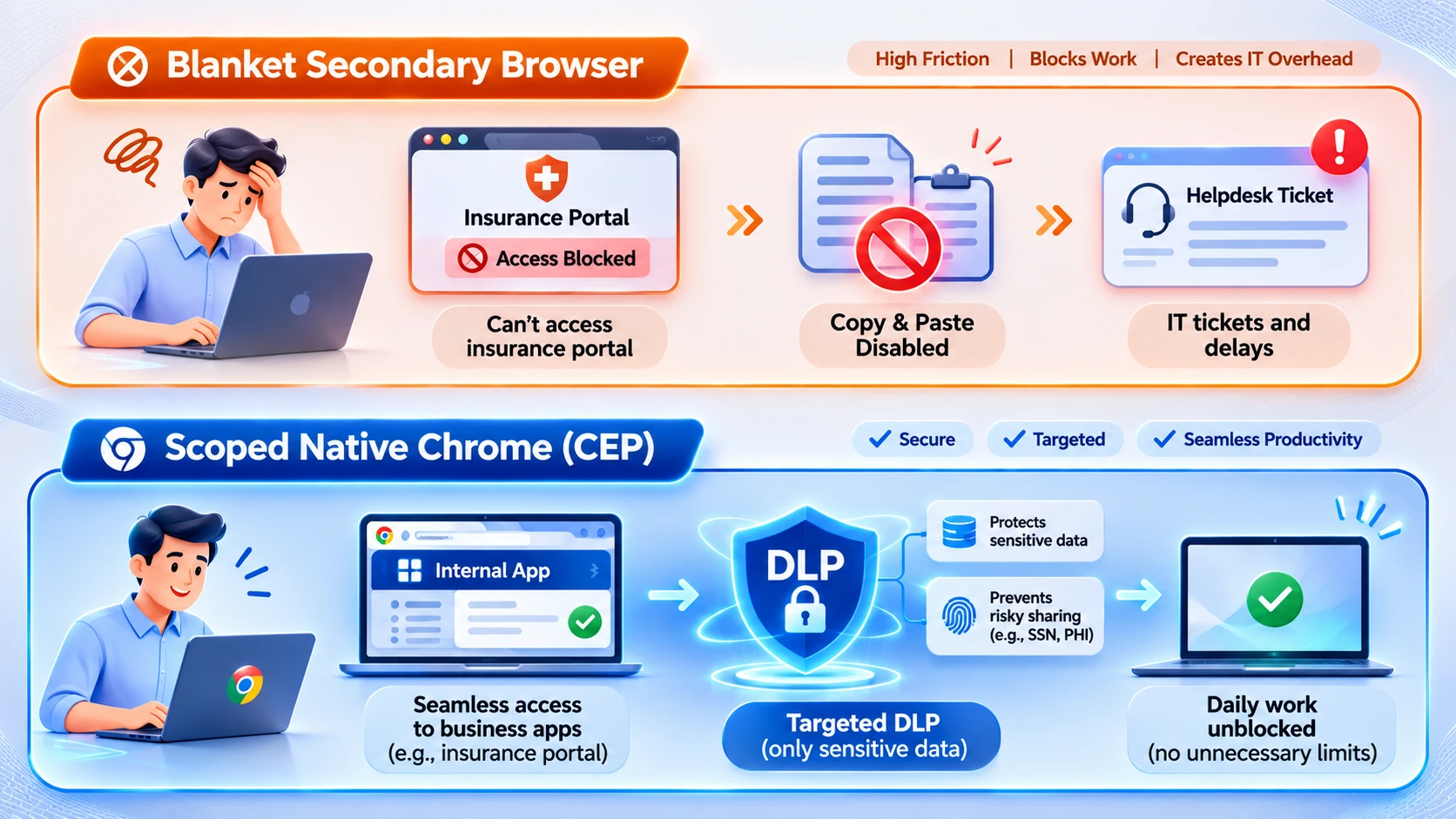
In high-velocity environments like hospitals and clinical research facilities, blanket browser restrictions can actively disrupt patient care and time-sensitive workflows. Nurses and clinical coordinators have publicly vented about forced browser switches blocking routine insurance portals, disabling basic copy/paste for complex protocol titles, and forcing clunky workarounds, like emailing documents to themselves just to open and edit an Excel spreadsheet.
Effective browser security shouldn’t punish clinical staff doing legitimate work. Scoped, Organizational Unit (OU)-level DLP policies in Chrome allow IT teams to protect Protected Health Information (PHI) on specific sites without breaking everyday utilities.
6. Re-Authentication and Access Friction
Nothing frustrates remote employees faster than getting kicked out of web apps multiple times a day. G2 reviewers and clinical staff have flagged frequent re-authentication prompts and aggressive idle session timeouts (often tied to paired network access layers) as major daily irritations.
Modern Zero Trust shouldn’t mean turning every 10-minute coffee break into a login gauntlet. Context-Aware Access in Chrome Enterprise Premium evaluates real-time device posture, such as OS encryption, patch status, and corporate ownership, allowing compliant endpoints to maintain smooth SSO sessions.
7. Broken Third-Party Integrations
When you move away from mainstream browsers, third-party ecosystem compatibility often lags behind. On the Jamf community forum, Mac administrators documented a prime example: transitioning from Chrome to Island broke their Jamf Connect workflow because Jamf Connect natively supported Chrome and Safari, leaving Island sitting in a feature-request backlog.
Because Chrome is the browser engine every Identity Provider (IdP), MDM platform, and SaaS vendor builds and tests against first, sticking with native Chrome eliminates integration blind spots.
Next Step: Examine the Real Numbers & Migration Path
Before committing to a multi-year enterprise browser contract, look closely at how licensing, minimum commitments, and hidden operational overhead stack up.
Explore Codimite’s Island to Chrome Enterprise Premium Migration Service , Learn how our deployment practice helps organizations transition browser policies, extensions, and Context-Aware Access controls back to managed Chrome without user disruption.